
The “Black Box” of COD Marketing In most standard COD setups, once a customer clicks “Place Order,” the merchant has no idea what happens next. If the order isn’t confirmed, or if the delivery fails, the merchant simply assumes the buyer changed their mind. This leads to wasted inventory and lost profit.
Cartsaver eliminates this “black box” through its powerful Logs feature. This isn’t just a list of messages; it’s a direct view into the health of your entire business. By analyzing the data in the “Logs” tab, you can move from reactive “firefighting” to proactive optimization.
Deconstructing the Funnel: What the Logs Tell You
The Logs tab is split into two critical sections, allowing you to troubleshoot every stage of the customer lifecycle:
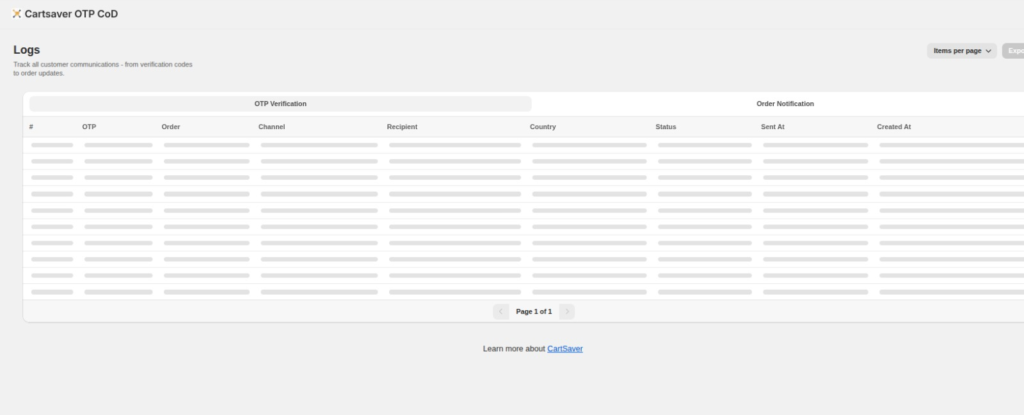
The OTP Verification log tells you exactly which channel was used (WhatsApp, SMS, Email) and the status of each verification code sent.
Diagnostic 1: Fixing OTP Verification Failures Look at the OTP Verification view the above image. If you see a high percentage of “Failed” or “Delivered but Not Opened” statuses, it points to specific issues you can fix:
- High Fail Rate: Often means customers are entering incorrect phone numbers. We recommend adjusting your Shopify checkout to strictly require valid mobile numbers in your key markets (e.g., Egypt, India).
- High Opened but Not Confirmed Rate: This is where you should rethink your WhatsApp Template text. Is your message clear enough about why they need to confirm? Revisit the “Pro-Tip: Keep it Complementary” strategy from Article #2.
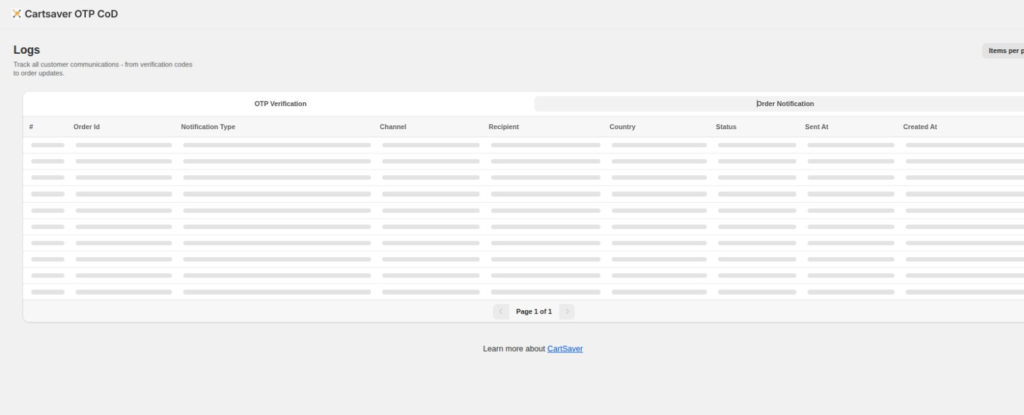
The Order Notification log tracks all follow-up messages, including automated shipping updates and cancellation alerts.
Diagnostic 2: Perfecting the Post-Confirmation Experience Once a customer has confirmed, the battle isn’t over. Look at the Order Notification view the above image to optimize the retention phase:
- WISMO Optimization: Are your “Order Fulfilled” or “Order Shipped” notifications delivering successfully via WhatsApp? Customers who are kept informed on their primary channel are 50% less likely to refuse a COD delivery at the door. If these fail, check your WhatsApp API connection.
- Smart Auto-Cancellation: Track the logs for “Order Cancelled.” This allows you to verify that Cartsaver is successfully weeding out non-verified “ghost” orders, saving your warehouse team from processing inventory that will ultimately be returned.
The Final Word: Visibility is Profit
Your logs tab isn’t just a technical requirement; it’s a strategic asset. By devoting just 15 minutes a week to reviewing the health of your OTP Verification and Order Notifications, you can move toward a leaner, more profitable, and 100% verified COD operation.